If your Apple Watch slips off your wrist during a workout, gets drenched in the rain, or is stolen from your gym bag, you’ll want more than the standard one-year warranty. The Apple Watch protection plan—primarily AppleCare+—is built to shield you from unexpected damage, costly repairs, and total device loss. It extends your coverage to two years, adds 24/7 expert support, covers accidental damage with low service fees, and even offers optional theft and loss protection. Whether you own the latest Apple Watch Ultra or a used Series 6, understanding your protection options can save you hundreds. This guide dives deep into AppleCare+, AppleCare One, and third-party alternatives like Upsie—so you can choose the best plan for your lifestyle and peace of mind.
AppleCare+ for Apple Watch: Premium Protection from Apple
AppleCare+ is Apple’s official extended service plan and the most comprehensive protection available for Apple Watch owners. It enhances the standard warranty by adding accidental damage coverage, battery service, and priority access to Apple experts.
Extended Warranty and Unlimited Support
AppleCare+ doubles your hardware coverage from one year to two, and extends technical support from 90 days to unlimited access for two years. You can reach Apple Support 24/7 via phone, chat, or the Apple Support app—perfect for resolving software glitches, connectivity issues, or syncing problems. Unlike the limited warranty, AppleCare+ covers late-appearing defects like sudden sensor failure or unexplained battery drain, as long as they aren’t caused by misuse or unauthorized modifications.
Accidental Damage Coverage with Low Fees
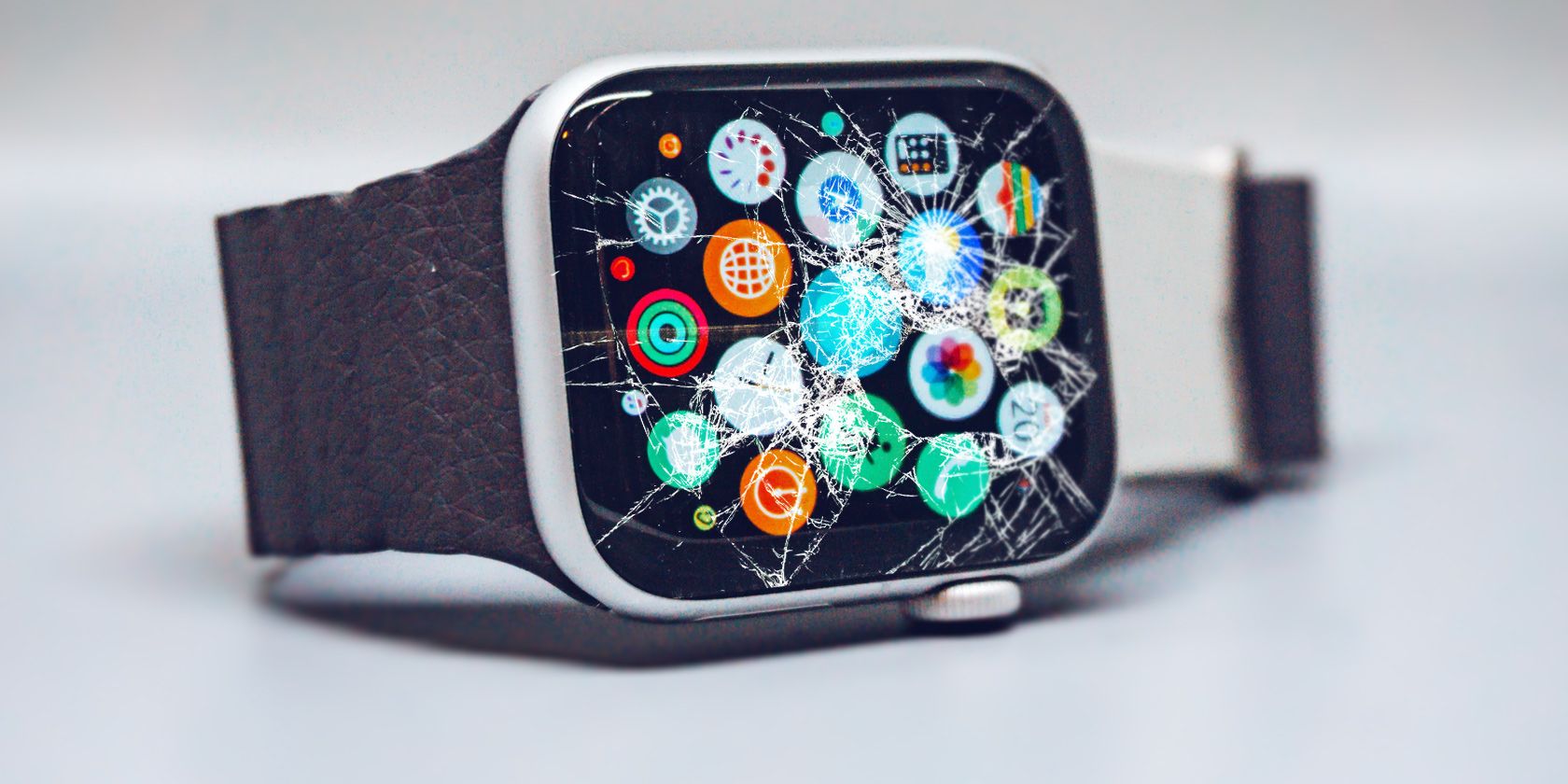
One of the standout benefits of AppleCare+ is unlimited accidental damage protection. Whether you drop your watch on pavement, crush it in a backpack, or spill water on it, you’re covered—with a small service fee per incident:
- $69 per incident for Apple Watch, Apple Watch SE, and Apple Watch Nike
- $79 per incident for Apple Watch Ultra, Hermès, and Edition models
Liquid damage—including rain, sweat, or full submersion—is fully covered without extra charges. Each incident resets your eligibility, so you can file multiple claims over the two-year period. Apple uses genuine parts in repairs, and replacement devices may include refurbished components that meet Apple’s strict performance standards.
Free Battery Replacement When Capacity Drops
All lithium-ion batteries degrade over time. With AppleCare+, if your Apple Watch battery holds less than 80% of its original capacity, Apple will replace it at no cost. Out-of-warranty replacements can cost over $79, so this feature alone can justify the plan’s price.
To check battery health:
1. Open the Watch app on your iPhone
2. Tap Battery > Battery Health
3. Check the “Maximum Capacity” percentage
If it’s below 80%, contact Apple Support to schedule service.
Express Replacement for Minimal Downtime
If your watch breaks and you rely on it daily, Express Replacement Service (ERS) is a game-changer. Apple ships a replacement before you return the damaged device, so you’re back in action fast—ideal for fitness tracking, health monitoring, or work needs.
Process:
1. Start a claim via Apple Support
2. Apple ships a replacement overnight
3. You erase your data and return the old device in the prepaid box
Warning: Failing to return the original device may trigger a non-return fee.
Theft and Loss Coverage: What You Need to Know
Losing your Apple Watch or having it stolen can be costly. AppleCare+ with Theft and Loss adds insurance-like protection, but strict rules apply.
How Theft and Loss Claims Work
This optional upgrade allows up to two claims per 12 months for a lost or stolen Apple Watch. Each claim requires a $119 deductible (plus tax), but it’s often much less than buying a new watch.
- Covers all models, including Nike and Hermès editions
- Replacement band will be Apple-branded but may differ in color or material
- No claims for bands alone—the entire watch must be lost or stolen
Claim Requirements: Find My Must Be On
To qualify, you must have:
– Find My enabled on the watch
– The device linked to your Apple ID
– Remote erasure and lost mode activated
After filing with Apple, you’ll complete the claim through AIG’s website (aigtheftandloss.com), as AIG administers the insurance.
Critical: If Find My is off when the device is lost, your claim will be denied.
No Same-Day Replacements for Lost Devices
Unlike accidental damage, theft and loss claims do not offer same-day service. Replacement time depends on region, model, and shipping. International replacements may vary in configuration.
AppleCare One: Bundle Protection for Multiple Devices

If you own multiple Apple devices, AppleCare One offers a smarter, more flexible way to protect them all under one plan.
Benefits of a Unified Protection Plan
For $19.99/month, you can cover up to three Apple devices—iPhone, iPad, Apple Watch, or AirPods. Each additional device costs $5.99/month.
Key advantages:
– Theft and loss included (up to three claims per year total)
– Surge protection—a unique benefit not in standard AppleCare+
– Automatic coverage when you upgrade to a newer model
– Dynamic management: add or remove devices anytime
Example: With an iPhone 15, Apple Watch Ultra, and iPad Air under one plan, you can file three claims per year across any device—great for families or high-risk users.
Who Can Enroll?
To add a device:
– Must be under four years old
– In good working condition
– Linked to your Apple Account
– Headphones must be under one year old
– Only one Apple Vision Pro allowed per plan
Used or older Apple Watches (within 4 years) can be added—unlike AppleCare+, which requires enrollment within 60 days.
Family-Friendly and Easy to Manage
Since AppleCare One ties to your Apple Account, you can include devices used by family members. It also replaces individual AppleCare+ plans, and any unused balance is refunded when you upgrade.
How to Buy AppleCare+ for Apple Watch
Timing is critical. Here’s how to get covered.
Enrollment Windows
- At purchase: Add during checkout on Apple’s website, in-store, or via the Apple Store app
- Within 60 days: Still eligible even if you didn’t buy it initially
- 7-day trial: New watches come with free AppleCare+ for 7 days, giving you time to decide
Pro Tip: Enroll early—don’t risk missing the 60-day window.
Purchase Methods
-
On iPhone:
Go to Settings > General > AppleCare & Warranty, select your watch, and follow prompts. -
Online:
Visit mysupport.apple.com or checkcoverage.apple.com, sign in, and check eligibility. -
In Person:
Visit an Apple Store or Apple Authorized Service Provider with your watch and proof of purchase.
Note: Some enrollments may require a remote diagnostic or serial number scan.
Repair and Service Options Under AppleCare+
Apple offers fast, reliable repair paths.
Mail-In Repairs
Apple provides a prepaid shipping kit. You:
1. Back up and erase your watch
2. Pack it securely
3. Ship it using the included label
Repairs typically take 3–7 business days.
Carry-In Repairs
Available at Apple Stores and over 5,000 Apple Authorized Service Providers worldwide. Many repairs, like cracked screens, are completed same-day.
Bring:
– Your Apple Watch
– Proof of purchase (if not linked to Apple ID)
– Charger (for diagnostics)
Express Replacement Service
As mentioned, ERS ships a replacement before you return the damaged unit. Always erase your data—the original device becomes Apple’s property.
Third-Party Option: Upsie Protection
If you’re outside Apple’s 60-day window or own a used Apple Watch, Upsie offers a budget-friendly alternative.
Upsie Plan Overview
- $2.99/month (billed monthly)
- $50 deductible per claim
- 2 claims per 12-month rolling period
- No receipt required (except to waive 90-day waiting period)
Covers:
– Cracked screens
– Liquid damage
– Battery failure
– Power issues
– Bluetooth connectivity loss
Who Should Choose Upsie?
- Owners of used or older Apple Watches
- Users seeking lower monthly costs
- Those with devices over four years old
Example: A 2-year Upsie plan costs ~$71.76 vs. ~$158 for AppleCare+.
Repair Process and Limitations
- Choose local certified repair shop or ship-in repair
- Upsie provides a prepaid shipping label
- User is responsible for packaging and transit insurance
Limitation: Replacement watches may not be genuine Apple devices.
Final Tips for Choosing the Right Apple Watch Protection Plan
- Enroll early: AppleCare+ must be purchased within 60 days.
- Enable Find My: It’s required for theft/loss claims.
- Check battery health regularly.
- Back up data before any repair.
- Compare total 2-year cost—not just monthly fees.
With the right Apple Watch protection plan, you can wear your device with confidence—whether you’re hiking, swimming, or just living life on the move. Choose AppleCare+ for seamless, premium service, or Upsie for flexible, affordable coverage. Either way, don’t go unprotected.