
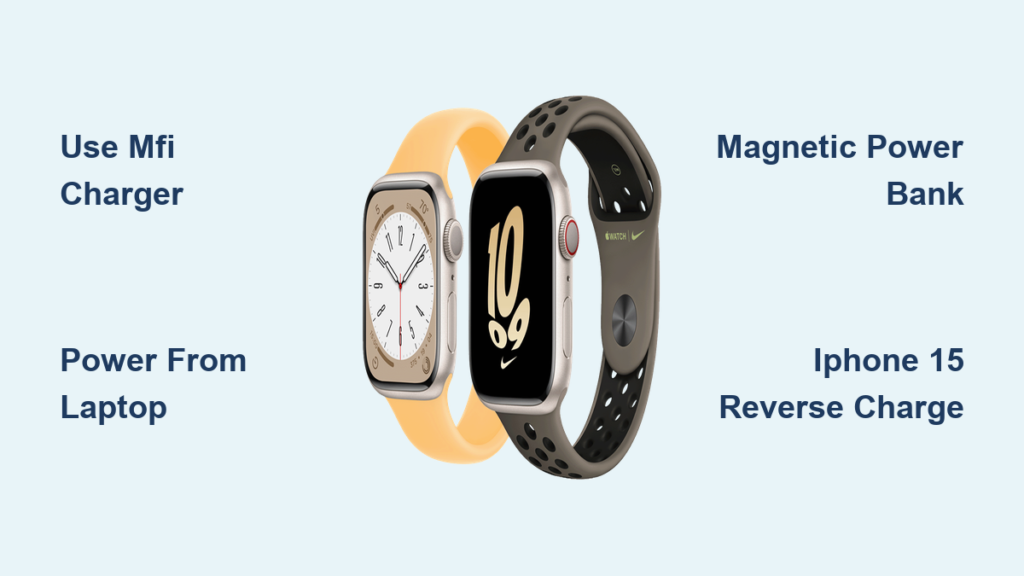
You’re out the door, your Apple Watch Series 8 battery has just died, and you realize the magnetic charger is nowhere to be found. You’re not alone—thousands of users face this daily frustration. The urgent question becomes: Can I charge my Apple Watch without the charger? The short answer: No—but with important exceptions.
You cannot charge an Apple Watch Series 8 without a magnetic charging puck, but that puck doesn’t have to be Apple’s official one, and it doesn’t need to plug into a wall. The real key is understanding that while the charging method is fixed, the power source can vary. Whether you’re traveling, camping, or stuck in a meeting with a dead battery, there are safe, tested ways to get your watch back online—without the original charger.
This guide cuts through the viral myths and misinformation to deliver only what actually works. You’ll learn how to power your Apple Watch using an iPhone 15, a portable power bank, a laptop, or even a solar setup—all while protecting your device from damage. By the end, you’ll know exactly how to stay powered on the go.
Use a Third-Party Magnetic Charger (MFi-Certified)
If you’ve lost your Apple puck, the fastest and safest fix is an MFi-certified third-party magnetic charger.
Choose MFi-Certified for Safety and Speed
MFi (Made for iPhone/iPad/Watch) certification means the charger has passed Apple’s strict safety and performance standards. Without it, you risk slow charging, overheating, or long-term battery degradation.
Top brands like Anker, Belkin, ESR, and Nomad offer high-quality alternatives at $15–$30—significantly cheaper than Apple’s $39 puck. These deliver the same charging speed: 0–80% in about 1.5 hours, matching Apple’s official charger.
⚠️ Avoid cheap, uncertified chargers—they often use weak magnets, poor wiring, or lack over-voltage protection. These can cause intermittent charging or even damage your watch over time.
Pick the Right Form Factor
- Cable-style: Lightweight and travel-friendly
- Stand or dock: Keeps your watch upright, ideal for nightstands
- Foldable designs (e.g., Anker MagGo): Compact and easy to pack
You’ll still need a USB-A or USB-C power source—like a wall adapter, laptop, or power bank—but the magnetic puck does the actual charging.
✅ Pro tip: Keep a spare MFi-certified charger in your travel bag, car, or at work. It’s the best insurance against a dead battery.
Power the Puck From a Laptop or Computer
No wall outlet? No problem. Your laptop or desktop can power the magnetic puck.
How to Use USB Ports for Emergency Charging
- Plug the USB end of your Apple Watch charger into your computer.
- Attach the magnetic puck to the back of your watch.
- Wait for the green lightning bolt on the screen.
This works with USB-A, USB-C, desktops, laptops, and even powered-on game consoles. However, most laptops deliver only 5W, compared to 20W+ from a wall adapter, so charging is significantly slower.
✅ Best for: Overnight charging at your desk or emergency top-ups.
Common Issues and Fixes
- Not charging? Ensure your computer is awake and the USB port is active.
- Intermittent connection? Try a different port or a higher-quality cable.
- Too slow? Avoid daisy-chained USB hubs—they reduce power delivery.
This method still requires the magnetic puck, but it eliminates the need for a wall outlet—perfect for remote work or travel.
Try a Magnetic Power Bank (Portable & Cable-Free)
For true portability, a magnetic power bank with a built-in charging pad is your best bet.
Top Models That Work
- Anker MagGo Power Bank (10,000mAh, 35W): Charges your Apple Watch to ~47% in 30 minutes. MFi-certified, strong magnets, compact.
- EcoFlow RAPID Magnetic Power Bank (10,000mAh): Slim, fast-charging, with LED battery indicators.
Look for:
– Explicit “Apple Watch compatible” labeling
– MFi certification
– Secure magnetic attachment
– At least 10,000mAh capacity (enough for multiple charges)
✅ Ideal for: Travel, business trips, camping, or daily carry.
How to Use
- Ensure the power bank is charged.
- Snap your Apple Watch onto the magnetic area.
- Watch for the green charging icon.
⚠️ Don’t assume all magnetic power banks work—many only support iPhone MagSafe, not Apple Watch. Always verify compatibility.
Use a Multi-Device Charging Dock (3-in-1 or 2-in-1)
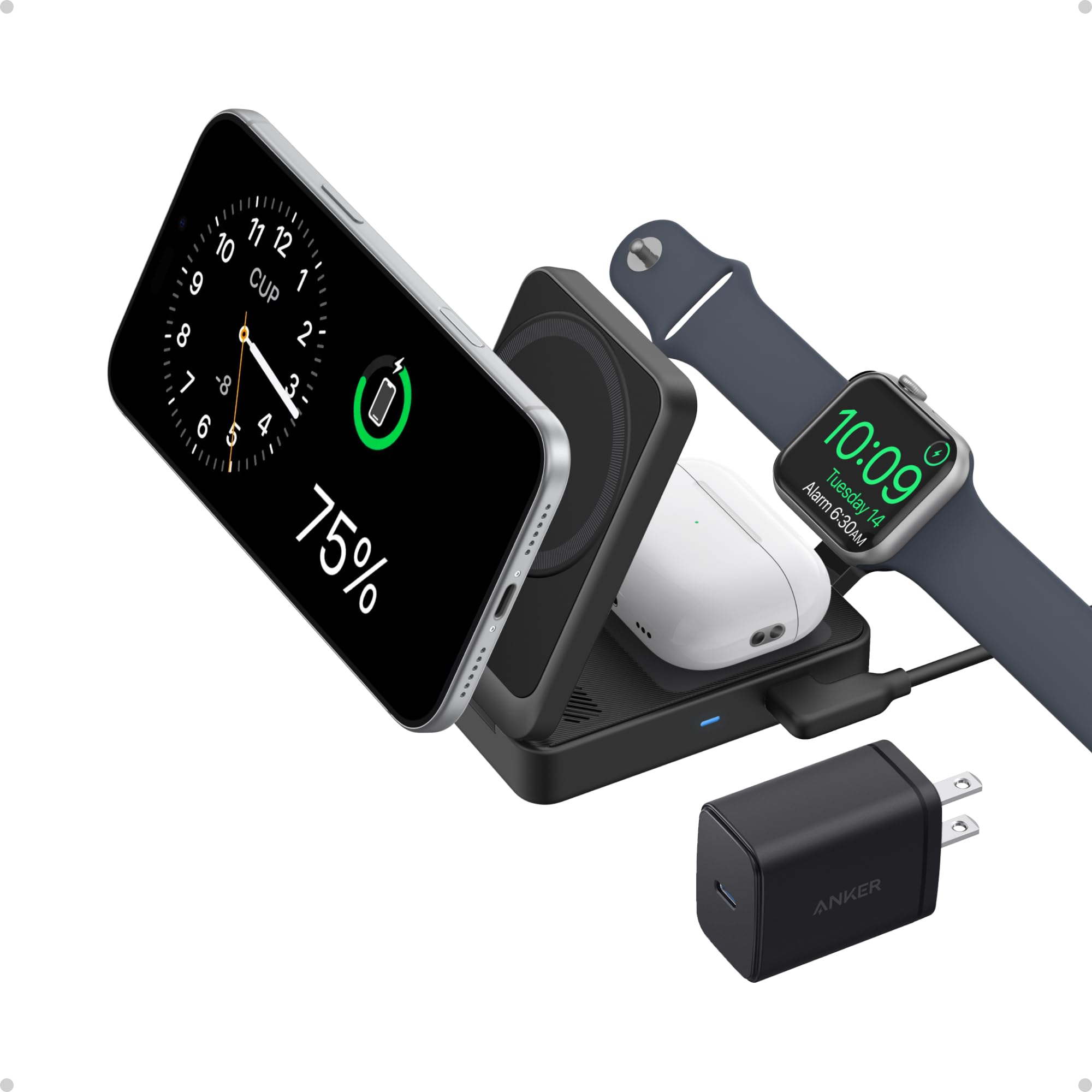
Keep your nightstand clutter-free with a charging station that powers your iPhone, AirPods, and Apple Watch together.
Recommended Options
- Apple MagSafe Duo Charger: Foldable, travel-ready, charges iPhone and Apple Watch simultaneously.
- Anker MagGo 3-in-1 Foldable Station (MFi-Certified): Fast charging, precise alignment, ideal for home use.
Benefits
- No loose cables
- Charges all devices overnight
- Sleek, minimalist design
What to Watch For
- Verify Apple Watch compatibility—many budget docks use weak magnets or misaligned coils.
- Avoid models under $30 unless MFi-certified. As one user put it: “If it sounds too good to be true, it probably doesn’t work.”
✅ Best for: Home or office use—less ideal for travel.
Charge Using iPhone 15 or Later (Reverse Power via USB-C)
A game-changer for emergencies: use your iPhone 15, 15 Pro, or iPhone 16 as a power source.
How It Works
- Connect the USB-C end of your Apple Watch charger to your iPhone.
- Place the magnetic puck on your watch.
- Look for the green bolt animation—your watch is charging.
Requirements:
– iPhone 15 or newer (supports USB-C reverse power)
– Apple Watch magnetic charging cable (USB-C to puck)
– iPhone battery above 20–30%
Pros and Cons
| ✅ Pros | ❌ Cons |
|---|---|
| No wall outlet needed | Drains iPhone battery fast |
| Uses devices you own | Slow charging speed |
| Great for emergencies | Doesn’t work on iPhone 14 or earlier |
⚠️ Never try to place the watch directly on the iPhone’s back—it won’t charge. The magnetic puck must be connected via cable.
Power From a Portable Power Station (Off-Grid)

For blackouts, camping, or long trips, large-capacity power stations keep your devices alive.
Best Models for Apple Watch Charging
- BLUETTI AC180 (1152Wh): 100W USB-C port, 1x 15W wireless pad (powers third-party Apple Watch pucks), portable.
- BLUETTI AC500 (up to 16,588.8Wh): 16 output ports, 2x 15W wireless pads—ideal for home backup.
How to Charge
- Connect your Apple Watch magnetic charger to a USB-C port.
- Attach the puck to your watch.
- Monitor via the green lightning icon.
✅ Best for: Extended off-grid use, power outages, RV trips.
Use a Car Charger Setup (On-the-Go)
Keep your Apple Watch topped up during road trips.
Simple Method
- Plug a 12V car USB charger into your vehicle’s outlet.
- Connect your Apple Watch magnetic charging cable.
- Attach the watch to the puck.
Works with any car that has a USB or 12V port—no special equipment needed.
Advanced Option
Some car power stations (like BLUETTI’s vehicle units) have built-in wireless pads compatible with Apple Watch accessories.
✅ Best for: Daily commuters, ride-share drivers, road trips.
Try a Keychain or Clip-On Charger (Ultra-Portable)
Tiny, attachable chargers that fit on your keys or bag.
What to Expect
- Integrated magnetic puck
- USB-C or USB-A connector
- Battery: 1,000–3,000mAh (1–2 partial charges)
- Size: Credit-card thin or keychain-sized
Pros and Cons
| ✅ Pros | ❌ Cons |
|---|---|
| Fits in a pocket | Must be pre-charged |
| Always with you | Limited capacity |
| Great for emergencies | Quality varies |
⚠️ Many are not MFi-certified—check reviews and specs.
💡 User warning: “Some are amazing. Most are trash.”
Avoid Public Charging Stations (Security Risk)
Airports and hotels may offer public USB ports, but they come with risks.
Why to Be Cautious
- Juice jacking: Hackers can steal data or install malware via compromised USB ports.
- No way to verify safety
- May not support Apple Watch charging
❌ Recommendation: Avoid unless absolutely necessary. If you must, use a USB data blocker (“charging-only adapter”).
Use Solar Chargers (Eco-Friendly, Long-Term)
For sustainability-focused users or extended outdoor trips.
How It Works
- Solar panel charges a power bank or station.
- Power bank powers the Apple Watch magnetic charger.
- Best for: Backpacking, off-grid living
- Limitations: Slow (sunlight-dependent), bulky, expensive
✅ Best combo: Solar panel + BLUETTI AC180 + MFi-certified charger.
Debunked: Methods That Don’t Work
Despite viral claims, these do not work:
❌ Standard Qi Wireless Charger
Apple Watch uses proprietary magnetic charging, not standard Qi.
❌ MagSafe Charger
MagSafe is for iPhone only—no Apple Watch charging.
❌ Charging via iPhone Back (No Cable)
iPhone cannot wirelessly power the Apple Watch. Only works if the puck is connected via USB-C.
❌ Hidden Diagnostic Port
Exists for Apple service only—not for charging.
❌ Direct USB-C Cable to Watch
No USB-C port on Apple Watch Series 8.
🔍 Bottom line: If it doesn’t involve a magnetic puck, it won’t charge your watch.
Critical Safety and Maintenance Tips
- Use MFi-certified accessories to avoid damage.
- Clean charging surfaces weekly with a dry, lint-free cloth.
- Check magnet strength—weak magnets cause intermittent charging.
- Enable Optimized Battery Charging to extend battery life.
- Never tape or rubber-band the watch—risk of short circuits.
Final Note: You can’t charge an Apple Watch Series 8 without a magnetic charging puck—but you can power that puck from dozens of sources. The best alternatives are MFi-certified third-party chargers, magnetic power banks, and iPhone 15 reverse charging. Avoid myths, prioritize safety, and always keep a backup solution on hand.




