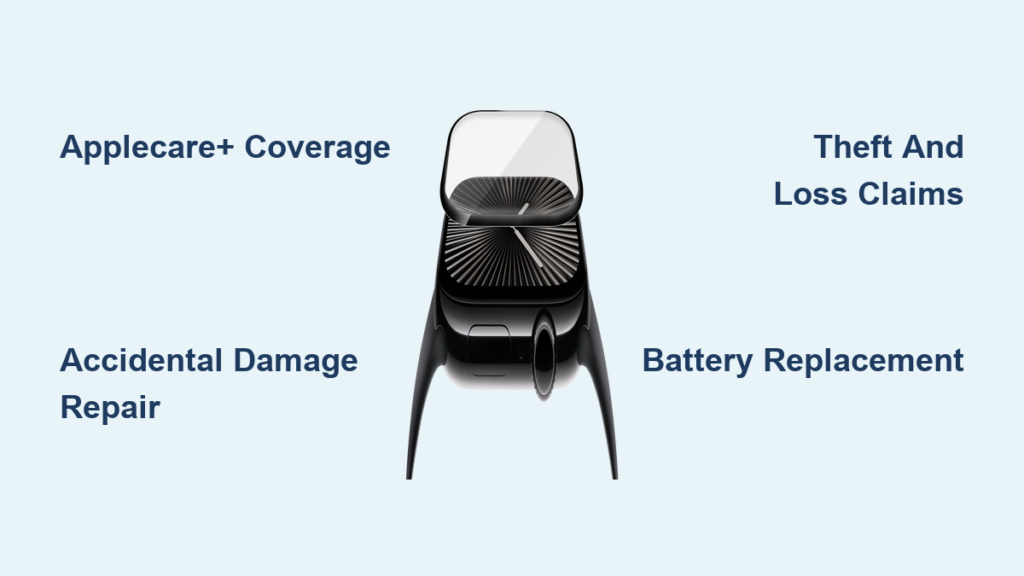
A cracked or shattered Apple Watch screen isn’t just an eyesore—it compromises touch responsiveness, exposes sensitive components, and can even cut your skin. When the Apple Watch crystal breaks, many users assume a simple glass swap will fix it. But unlike older devices with replaceable faceplates, modern Apple Watches have the crystal fused to the display, making repairs far more complex. Whether you’re facing a spiderweb of cracks after a fall or a shattered corner from gym equipment, your repair options range from Apple’s official services to budget DIY kits on Amazon. This guide breaks down every path—costs, risks, timelines, and long-term implications—so you can decide the best way to restore your smartwatch to full function.
Official Apple Repair: Genuine Parts, Guaranteed Results
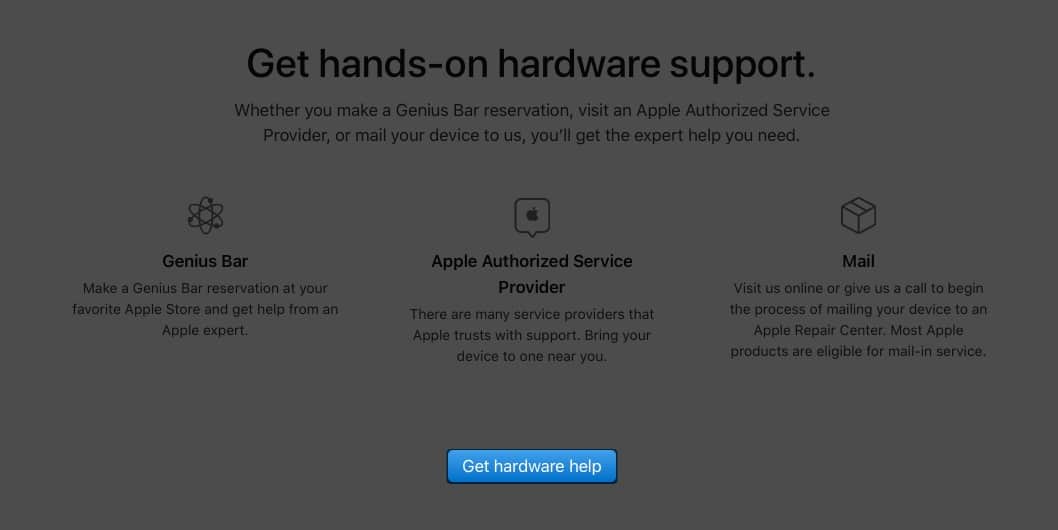
Apple handles Apple Watch crystal replacements through its global service network using genuine components and calibrated tools. These repairs ensure full functionality, maintain water resistance, and preserve future service eligibility—critical for active users who rely on swim tracking or sweat resistance.
In-Store Genius Bar Service
Visit an Apple Store for immediate diagnostics and repair initiation. A Genius will inspect the damage, confirm repairability, and begin the process on the spot.
- No appointment needed, but scheduling online reduces wait times.
- Bring your charged Apple Watch, iPhone, and charger.
- You must unpair the watch before service to disable Activation Lock.
- Repairs often require sending the device to a regional facility, even if started in-store.
- Technicians use genuine Apple parts and factory-grade tools for seamless integration.
⚠️ Important: Apple does not replace just the glass. The entire front display module is swapped—ensuring perfect lamination, touch accuracy, and brightness uniformity.
Mail-In Repair Service
If no Apple Store is nearby, mail-in service offers a secure, tracked alternative.
- Request a prepaid, tamper-evident shipping kit via Apple’s support website.
- Pack your watch with the provided materials and ship it.
- Repairs are completed using original Apple components.
- Turnaround averages 5–10 business days.
- Apple does not access personal data during repair—your privacy is protected.
This option suits users who prioritize authenticity and reliability over speed.
Express Replacement With AppleCare+
If your watch is covered by AppleCare+, you qualify for express replacement—the fastest recovery method.
- Apple ships a fully functional replacement unit immediately.
- You return the damaged watch within 10 days.
- Downtime drops to 2–3 days, depending on shipping.
- Available only for accidental damage incidents under AppleCare+.
This benefit alone makes AppleCare+ a smart investment for athletes, parents, or anyone prone to drops.
AppleCare+ and Warranty: What’s Covered?
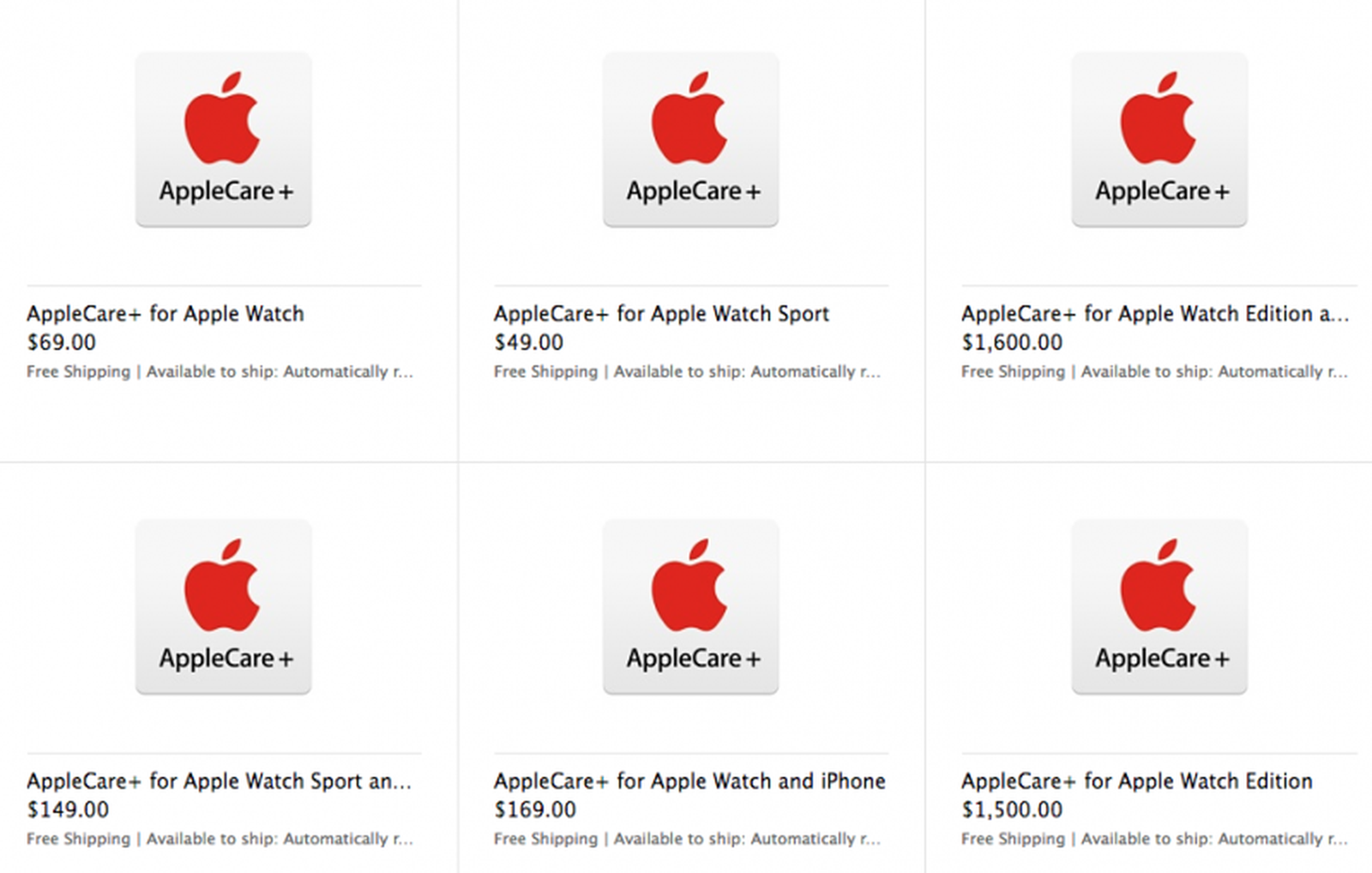
Your repair cost hinges on whether your Apple Watch is under warranty or enrolled in AppleCare+.
Standard Warranty: No Coverage for Cracked Crystals
The one-year limited warranty covers manufacturing defects only.
- ✅ Covered: Dead pixels, display malfunctions, internal hardware failures.
- ❌ Not covered: Cracked screens, liquid damage, or impact-related issues.
A cracked crystal from a fall is accidental damage, which voids standard warranty eligibility.
AppleCare+ Repair Fees: Predictable Pricing
AppleCare+ users pay a fixed fee per incident, regardless of repair complexity.
| Model Type | Accidental Damage Fee |
|---|---|
| Aluminum (Ion-X glass) | $69 |
| Stainless Steel / Hermès (Sapphire) | $99 |
| Apple Watch Ultra | $129 |
Fees apply per incident. Theft or loss (if covered) incurs a separate $299 deductible.
💡 Pro Tip: You can add AppleCare+ during repair if your watch is under 24 months old—protecting against future accidents.
Service Guarantee After Repair
All Apple repairs come with a 90-day service warranty, or the remainder of your existing coverage—whichever is longer.
- Covers replaced parts and related components.
- Includes labor and diagnostics.
- Maintains eligibility for future Apple services.
Using non-genuine parts voids this protection.
Best Buy / Geek Squad: Authorized Apple Repair
Best Buy operates as an Apple Authorized Service Provider (AASP) in the U.S., offering the same standards as Apple Stores.
Why Choose Geek Squad?
- Apple-trained technicians perform all repairs.
- Use of genuine Apple parts only.
- Pricing matches Apple’s official rates—no markup.
- Option to add AppleCare+ at repair time (if eligible).
This makes Best Buy a trustworthy, convenient alternative—especially for same-day drop-off.
Repair Timeline and What to Expect
- Most repairs take 3–5 business days.
- Same-day service is not offered for Apple Watches.
- Delays occur if parts are backordered or damage is extensive.
Schedule online to ensure technician availability and reduce wait times.
What to Bring for Service
Prepare these items before your visit:
- Fully charged Apple Watch.
- Original charger.
- iPhone (to unpair the watch on-site).
- Apple ID and password (required for deactivation).
🔐 Security Note: Never share your Apple ID publicly. Only enter it on trusted devices during service.
Third-Party Crystal Replacement Kits: Low Cost, High Risk

For budget-focused users, Amazon offers third-party Apple Watch crystal replacement kits starting under €15.
Available Models and Pricing
| Apple Watch Model | Kit Price (EUR) | Includes |
|---|---|---|
| Series 2/3 38mm | €24.97 | Glass lens + tools |
| Series 4–SE 40mm | €16.13 | Digitizer + OCA adhesive |
| Series 7–9 45mm | €11.89 | Outer lens only |
| Apple Watch 10 42mm | €28.03 | Full kit, limited stock |
Most kits include:
– Replacement glass or digitizer.
– OCA (Optically Clear Adhesive) film.
– Pentalobe and Y000 screwdrivers.
– Suction cup, spudgers, opening tools.
– Cleaning wipes and alignment jigs.
📦 Many listings show “Only 2 left”—indicating high demand and limited supply.
No Genuine Apple Parts for Consumers
Apple does not sell individual crystals to the public. Third-party kits are compatible, not authentic, and may affect:
- Screen clarity.
- Touch sensitivity.
- Water and dust resistance (IP6X/W5WR rating).
- Future Apple service eligibility.
Risks of DIY Crystal Replacement
While DIY saves money, it’s extremely risky—especially on fused OLED displays.
High Risk of Permanent Damage
- OLED panels are fragile and easily torn during disassembly.
- Flex cables can snap if mishandled.
- One mistake can turn a screen fix into a bricked device.
Loss of Water Resistance
Apple uses precision sealing during manufacturing. DIY reassembly rarely replicates this.
- No dust or water protection post-repair.
- Exposure to sweat or rain may damage internal components.
Touch and Calibration Issues
- Misaligned digitizers cause ghost touches or dead zones.
- Poor adhesive bonding leads to bubbles or dimming.
- Apple may refuse service if non-genuine parts are detected.
❌ Only attempt DIY if you have micro-repair experience, proper tools, and accept the risk of total failure.
Model-Specific Crystal Differences

Not all crystals are equal. Material and design vary by model.
Ion-X Glass (Aluminum Models)
- Used in Series 3 and earlier, and current aluminum watches.
- Lightweight but prone to scratches.
- Repair fee: $69 under AppleCare+.
Sapphire Crystal (Stainless Steel, Hermès)
- Extremely scratch-resistant (Mohs 8–9).
- More brittle—can crack under impact.
- Repair fee: $99.
Crack-Resistant Front Crystal (Series 6+)
- Enhanced drop performance.
- Stronger bonding between layers.
Flat-Edge Design (Series 7–10)
- Larger screen with chamfered edges.
- Easier alignment—but demands perfect flatness during re-bonding.
Apple Watch Ultra
- Reinforced composite crystal with titanium casing.
- Most durable—highest repair cost.
Prevent Future Crystal Damage
Avoid repeat repairs with these habits:
Use a Screen Protector
Apply a tempered glass protector (e.g., Smiling brand, €6.79 for 2-pack).
- Absorbs impact.
- Resists scratches.
- Easy to replace.
Avoid High-Risk Activities
Remove your watch during:
– Rock climbing.
– Weightlifting.
– Using power tools.
Clean Safely
- Wipe with a soft, lint-free cloth.
- Dampen with fresh water only.
- Never use alcohol or window cleaners.
Final Decision Guide
Choose Apple or Best Buy If:
- You want genuine parts and full warranty.
- Your watch is under AppleCare+.
- You rely on water resistance or fitness tracking.
Consider DIY Only If:
- You’re technically skilled.
- Your watch is out of warranty.
- Cost is the top priority.
Always Do This Before Any Repair:
- Back up your watch via iPhone.
- Unpair to disable Activation Lock.
- Remove the band and keep it with the charger.
- Record serial number for tracking.
Final Note: Replacing an Apple Watch crystal isn’t just about fixing glass—it’s about restoring safety, functionality, and trust. Official services cost more but deliver reliability. DIY saves money but risks permanent damage. Whether you go to Apple, Best Buy, or attempt it yourself, knowing your options ensures you make the right call—and keep your wrist tech running smoothly.