If your Apple Watch dies before dinner — or needs multiple charges a day — it’s likely time to replace your Apple Watch battery. Like all lithium-ion batteries, Apple Watch batteries degrade over time. When capacity drops below 80%, performance suffers and charging becomes more frequent. The good news? You can get it fixed. But Apple doesn’t swap just the battery. Instead, they offer a full product replacement for $99 — or free with AppleCare+. You also have DIY options using kits from iFixit starting at $19.99. Whether you go through Apple, a third party, or do it yourself, this guide covers every detail: costs, eligibility, repair methods, model compatibility, and real user experiences. By the end, you’ll know exactly how to restore your watch’s battery life — without losing data, overpaying, or risking damage.
Apple’s Official Battery Replacement Policy
Apple does not replace just the battery on any Apple Watch model. Instead, if your battery health is below 80%, Apple replaces the entire device with a refurbished unit of the same or newer model.
Full Device Swap Explained
The Apple Watch is built as a sealed, integrated unit — the display, case, and battery are fused together. Because of this design, replacing only the battery risks damaging the OLED screen, display connectors, or internal components. To ensure reliability, Apple uses factory-refurbished watches instead of disassembling your original.
“They don’t replace just the battery. You get a whole new watch — refurbished, same model.” — Reddit user
You’ll receive a fully tested device with genuine Apple parts, but no band — you must reuse your original strap. Your data isn’t transferred automatically, so always back up before sending in your watch.
Warranty and AppleCare+ Coverage
Under the standard one-year warranty, normal battery wear is not covered. Only manufacturing defects qualify.
With AppleCare+, the story changes:
– Free battery replacement when capacity drops below 80%
– Unlimited accidental damage protection (with service fee)
– Express Replacement option available
– Theft and loss coverage (in select regions)
“We’ll replace the battery at no extra charge if capacity drops below 80%.” — Apple Support
If you have AppleCare+, service is free and can often be arranged remotely via diagnostics in the Apple Support app.
Eligibility Requirements for Service
Battery Health Must Be 79% or Lower
To qualify for battery service, your Apple Watch must show battery health at 79% or below in Settings > Battery > Battery Health.
“Must be 79% or lower. At 80%, they won’t do it — even if it dies by noon.” — User report
Some users say Apple may still approve service if diagnostics show poor performance, but don’t count on it. Check your battery health early and act before it hits 80%.
No Major Physical Damage
Your watch must be in working condition:
– No cracked or shattered screen
– No visible water damage
– Functional Digital Crown and side button
– Activation Lock must be removable
Water damage voids coverage — even under warranty. One user reported their watch failed after a 20-minute swim, with Apple citing “liquid contact” as non-covered.
Supported Models Only
Apple currently supports battery service for:
– Apple Watch Series 4 and newer
– Apple Watch SE (1st and 2nd gen)
– Apple Watch Ultra and Ultra 2
Series 3 and older may no longer be eligible due to vintage or obsolete status.
“Tried to get my Series 4 replaced — told it’s no longer supported.” — MikeHillier
Apple classifies products as vintage after 5 years, then obsolete after 7. The Series 6 will likely become vintage in 2026, meaning repair options could end soon.
How to Get Your Apple Watch Battery Replaced
Visit Apple Store or Authorized Provider
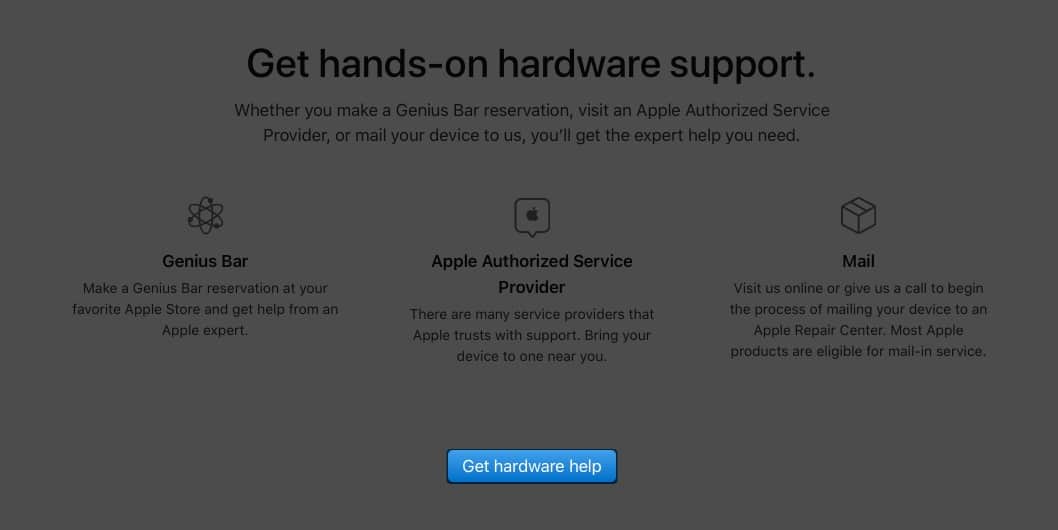
You can start service at an Apple Store Genius Bar or Apple Authorized Service Provider (AASP).
Here’s what to expect:
1. Technician runs diagnostics on-site
2. Confirms battery health and device eligibility
3. Offers repair quote (usually $99)
4. You drop off the watch; turnaround is typically 5–7 days
“Took mine to the Apple Store in Vegas — picked it up after 7 days. Long wait, but seamless.” — Original Poster
Bring your watch, charger, and proof of purchase if possible.
Use Mail-In Service
Skip the store with Apple’s mail-in repair:
1. Start request via Apple Support app or website
2. Apple sends a prepaid shipping box with tamper-evident seals
3. Pack your watch securely and ship it back
4. Apple performs replacement and returns it within a week
Track progress in My Support.
Try Express Replacement (AppleCare+ Only)
With AppleCare+, you may qualify for Express Replacement:
– Apple ships a replacement watch first
– You keep using a smartwatch during the process
– Financial hold placed until your old device is received
– Hold released after Apple confirms return
“Got diagnostics remotely, then a new watch shipped the same day. Zero downtime.” — Marmmoth
This is the fastest, most convenient option — but only available with AppleCare+.
Apple Watch Battery Replacement Cost
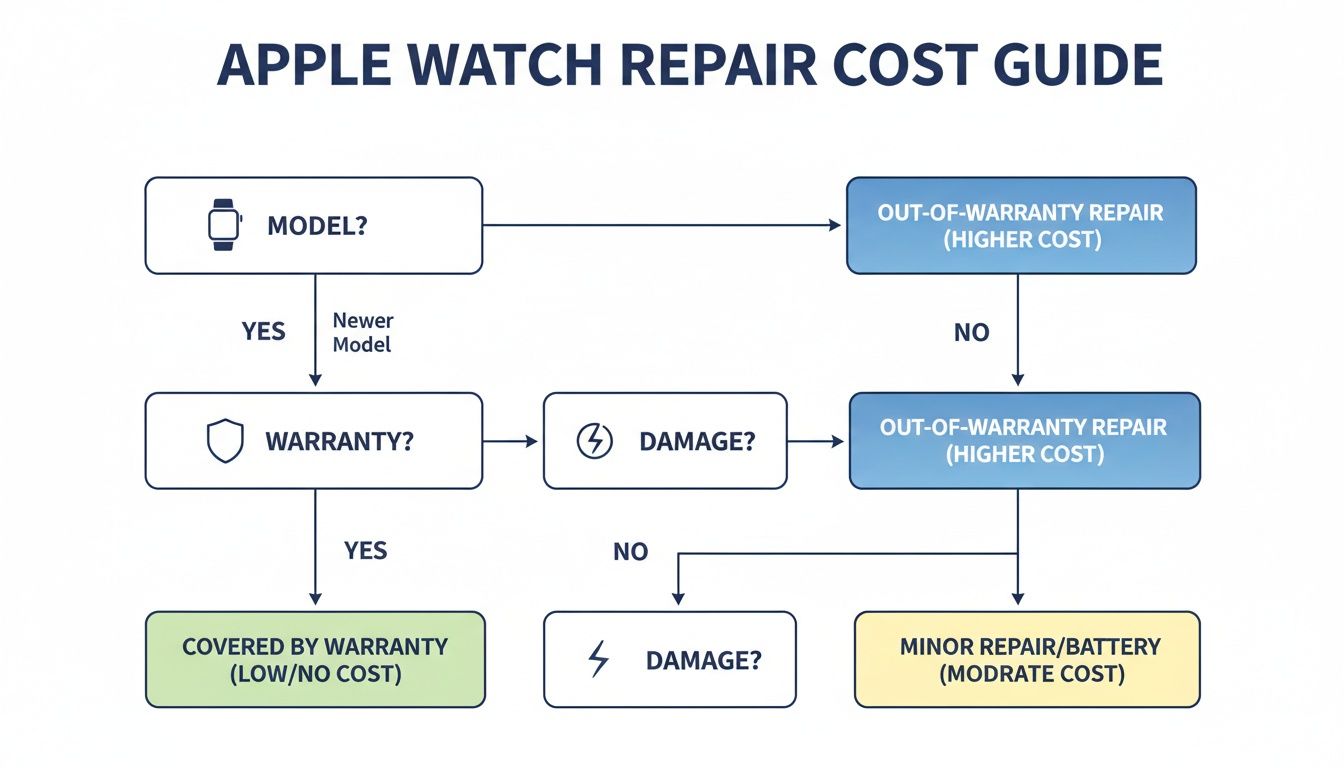
Out-of-Warranty Pricing: $99 Standard Fee
For most models, Apple charges $99 for out-of-warranty battery service.
| Supported Models | Replacement Cost |
|---|---|
| Apple Watch Series 3–8, SE | $99 |
| Apple Watch Ultra | $99 ($109 in EU) |
| Older models (Series 2 or earlier) | Likely unsupported |
Note: Some resellers (e.g., Amac in the Netherlands) charge the same but enforce stricter cosmetic rules — like requiring a scratch-free screen.
AppleCare+ = Free Battery Replacement
With AppleCare+, battery replacement is free when capacity drops below 80%.
No matter where you go — Apple Store, AASP, or mail-in — you pay $0.
This makes AppleCare+ a smart investment if you plan to keep your watch long-term.
Trade-In Credits May Offset Costs
Apple sometimes offers trade-in credit during battery service.
Example: A user was offered $75 credit for a Series 6 toward a new model.
Staff may encourage upgrading instead of repairing, especially near vintage cutoffs.
“They said battery service is $99, but I’d get $75 credit. Ended up buying a Series 10.” — dreccardi
Compare: Is it worth $99 to extend a 4-year-old watch’s life, or better to upgrade?
DIY Battery Replacement: Is It Worth It?
iFixit Kits Offer Big Savings
For tech-savvy users, DIY battery replacement via iFixit can save $50–$80.
| Model | Apple Cost | iFixit Cost | Savings |
|---|---|---|---|
| Apple Watch Series 8 | $99 | $24.99 | $74 |
| Apple Watch SE | $99 | $19.99 | $79 |
| Apple Watch Ultra | $99 | $44.99 | $54 |
| Apple Watch Series 3 | $79 | $19.99 | $59 |
Parts include a new battery, adhesive strips, and tools (if you buy a full kit).
You’re not replacing just the battery — you’re opening the entire case, like Apple does.
Tools You’ll Need
To replace the battery safely:
– iOpener or heat source (softens display adhesive)
– Plastic opening picks
– iFlex tool or spudger
– Tweezers
– Small tripoint screwdriver (for some models)
– Replacement adhesive strips
Warning: The OLED display is fragile. Too much heat or force can crack it permanently.
Follow step-by-step guides from iFixit (available for Series 1–10, SE, Ultra).
Time and Skill Required
- Difficulty: Intermediate to advanced
- Time: 45 minutes to 2 hours
- Risk: High — mistakes can brick your watch
Recent models (Series 7–10) take 30–50 minutes. The Ultra takes longer due to size and adhesive complexity.
“Take your time. Protect the display and ZIF connectors.” — iFixit tip
If you value your watch’s functionality, consider professional service unless you’re experienced.
What You Get With Apple’s Replacement

Refurbished Unit, Not New
Apple sends a refurbished Apple Watch — same model or newer.
It may contain:
– New or used genuine Apple parts
– Fully tested and certified
– Updated to latest watchOS before shipping
It will work like new — but comes without a band.
“Hang onto your strap — it doesn’t come back with one.” — LD150
Possible Model Upgrades
Some users report receiving newer models than their original:
- Series 6 → Series 7 or 8
- Series 5 → Series 7
- One user claimed Series 6 → “Series 11” (likely a typo; possibly meant 7 or 8)
“They replaced my Series 6 with a Series 11. Great surprise!” — platocplx
These upgrades are not guaranteed — they depend on inventory and region.
But if you get one, it’s a free performance boost.
Blood Oxygen (SpO2) Still Works
Concerns rose in 2023 when Apple restricted SpO2 readings due to FDA issues.
But as of watchOS 11.6.1+, blood oxygen measurement is functional:
– Data is processed on iPhone, not displayed on watch
– Appears in Health app and Vitals app
– Works on all Series 6 and later
“It works — shows in Health app, just not on the watch.” — Fragrant_Fan7549
This applies regardless of repair method — Apple service or DIY — as long as the sensor hardware is intact.
Final Tips Before You Proceed
Back Up Your Watch First
Always back up your Apple Watch before sending it in:
1. Keep iPhone and Watch close
2. Open Watch app > General > Transfer or Restore
3. Tap Back Up Now
After replacement, restore from backup during setup.
Disable Activation Lock
Ensure you can unlock Activation Lock:
– Know your Apple ID and password
– Have access to trusted devices
If not, Apple may refuse service.
Environmental Impact Matters
Repairing extends device life and reduces e-waste.
“Fix the watch you already have — and save money and the planet in the process.” — Article 3
Every repair delays a new purchase and keeps electronics out of landfills.
Final Note: Whether you choose Apple’s $99 replacement, a DIY fix with iFixit, or decide to upgrade, you now have all the facts. Check your battery health, weigh the costs, and pick the path that fits your budget and needs. With the right approach, your Apple Watch can keep ticking for years to come.