

You don’t need your own iPhone to use an Apple Watch with a cellular plan. Thanks to Apple Watch For Your Kids (formerly Family Setup), it’s now possible to run a GPS + Cellular Apple Watch completely independently—making calls, sending messages, streaming music, and even using emergency features—without ever carrying a smartphone.
This guide walks you through how to activate and use an Apple Watch cellular plan without owning an iPhone, using only a family member’s device for setup. You’ll learn which carriers offer true standalone plans, how to activate them, and what works (and what doesn’t) when going fully phone-free.
What Can a Standalone Apple Watch Do?
Once set up, an Apple Watch with cellular can function like a mini smartphone—even when your iPhone is off, out of range, or not yours at all.
With a standalone cellular plan, your watch supports:
– Make and receive phone calls
– Send iMessages and SMS
– Stream Apple Music, podcasts, and audiobooks
– Use Maps, Calendar, Weather, and Fitness apps
– Access email and third-party messaging (e.g., WhatsApp via web)
– Activate Emergency SOS, Fall Detection, and Crash Detection
– Use satellite SOS (on Ultra 3, Series 11, SE 3)
Key fact: The only iPhone required is for initial setup. After that, your Apple Watch works independently—no daily access needed.
Compatible Apple Watch Models for Standalone Use
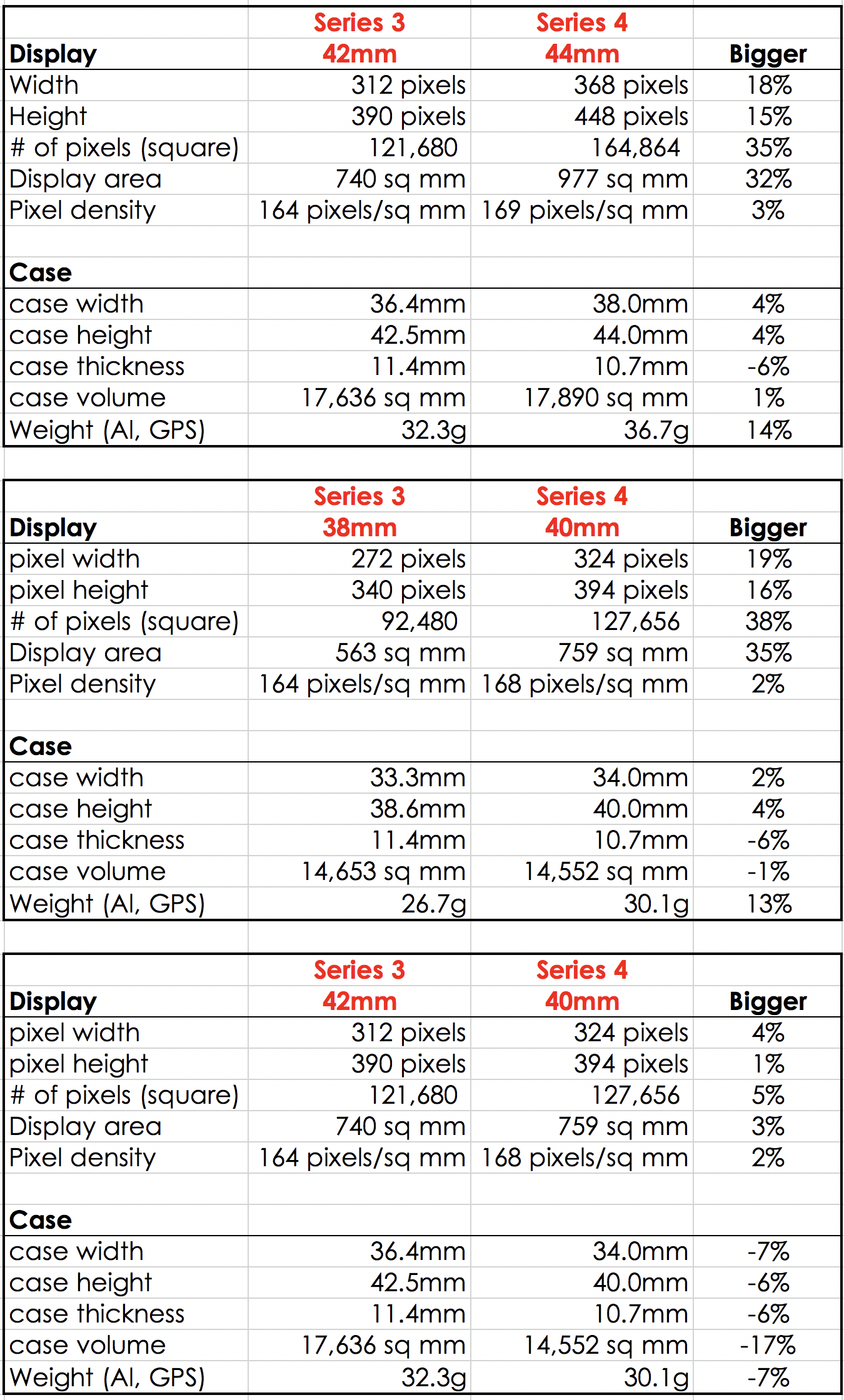
Only GPS + Cellular models can operate independently. And only those from Series 4 onward support Apple Watch For Your Kids, the feature that enables true standalone use.
Supported Models (All GPS + Cellular Versions)
- Apple Watch Series 11
- Apple Watch Ultra 3
- Apple Watch Series 10
- Apple Watch Series 9
- Apple Watch Ultra 2
- Apple Watch Series 8
- Apple Watch Ultra
- Apple Watch Series 7
- Apple Watch Series 6
- Apple Watch Series 5
- Apple Watch Series 4
- Apple Watch SE (2nd & 3rd gen)
Note: Series 4 is the oldest model that supports standalone setup. Older models cannot be used without a paired iPhone.
Standalone vs Companion Plans: What’s the Difference?
Not all Apple Watch cellular plans are the same. Only standalone plans let you go fully iPhone-free.
Companion Plan (Tied to Your iPhone)
- Shares your iPhone’s phone number
- Requires your iPhone to be on the same carrier
- Set up through your own iPhone
- Stops working if your iPhone plan is canceled
👉 Not suitable if you don’t have your own iPhone or plan.
Standalone Plan (Watch-Only)
- Gets its own phone number and cellular line
- Activated via Apple Watch For Your Kids
- Managed by a “parent” iPhone (e.g., parent, spouse)
- Works even if the managing iPhone is off or on another carrier
- Supports its own Apple ID and iMessage account
✅ This is the solution for using an Apple Watch without your own iPhone.
Best Carriers for Standalone Apple Watch Plans
Only select U.S. carriers offer true standalone plans. Here’s a breakdown of your options:
| Carrier | Monthly Cost | Standalone? | Notes |
|---|---|---|---|
| US Mobile (Warp) | $6.50/mo | ✅ Yes | Cheapest; requires parent on same plan |
| Truphone | $10.00/mo | ✅ Yes | Easy eSIM; poor support |
| Verizon | $10 + tax (~$16) | ✅ Yes | No existing line needed; reliable |
| T-Mobile | $20.00/mo | ✅ Yes | Must be part of Family Setup |
| Xfinity Mobile | ❓ Unconfirmed | ⚠️ Maybe | May require home internet |
| Visible | ❌ No | ❌ No | Verizon MVNO; no standalone |
| Cricket Wireless | ❌ No | ❌ No | Only supports Mexico use |
AT&T does not offer standalone plans unless tied to an AT&T iPhone line.
International Options
- UK: EE, BetterRoaming
- Germany: Sunrise, Swisscom
- India: Jio
- Australia: BetterRoaming
- Singapore: Singtel, StarHub
- China: China Telecom, China Unicom (ID verification required)
- Puerto Rico: Liberty
How to Set Up Apple Watch Without Your iPhone
You can’t skip using an iPhone entirely, but you don’t need your own. A family member’s iPhone is enough.
Step 1: Get a Managing iPhone
Use a trusted person’s iPhone—parent, spouse, sibling.
– They don’t need to be on the same carrier
– They don’t need to use it daily after setup
This iPhone will manage your watch through Family Sharing.
Step 2: Open Watch App and Start Setup
On the managing iPhone:
1. Open the Watch app
2. Tap All Watches > Add Watch
3. Choose Set Up for a Family Member
Follow pairing instructions. The watch may prompt for an EID (Embedded ID) if required.
Step 3: Choose Standalone Plan
During setup:
– Select Add a Cellular Plan
– Pick your carrier (e.g., US Mobile, Verizon)
– Some carriers auto-detect; others require manual activation
Pro tip: US Mobile lets you activate online by entering the EID and paying $6.50/month. The managing iPhone gets a notification to confirm.
Step 4: Activate eSIM and Assign Number
- Enter payment or carrier account details
- Wait for activation (usually under 5 minutes)
- The watch receives its own phone number
Once done, your Apple Watch is fully independent.
Pricing: Best Standalone Plans Compared

| Carrier | Monthly | Annual | Best For |
|---|---|---|---|
| US Mobile (Warp) | $6.50 | $78 | Lowest cost |
| Truphone | $10.00 | $120 | Fast eSIM |
| Verizon | ~$16 | ~$192 | Reliability |
| T-Mobile | $20.00 | $240 | Family plans |
| Warp Unlimited Premium | $0 | $0 | Free line (with parent plan) |
Free Option: US Mobile offers a free Apple Watch line when the parent subscribes to their Unlimited Premium plan.
5G and Network Support
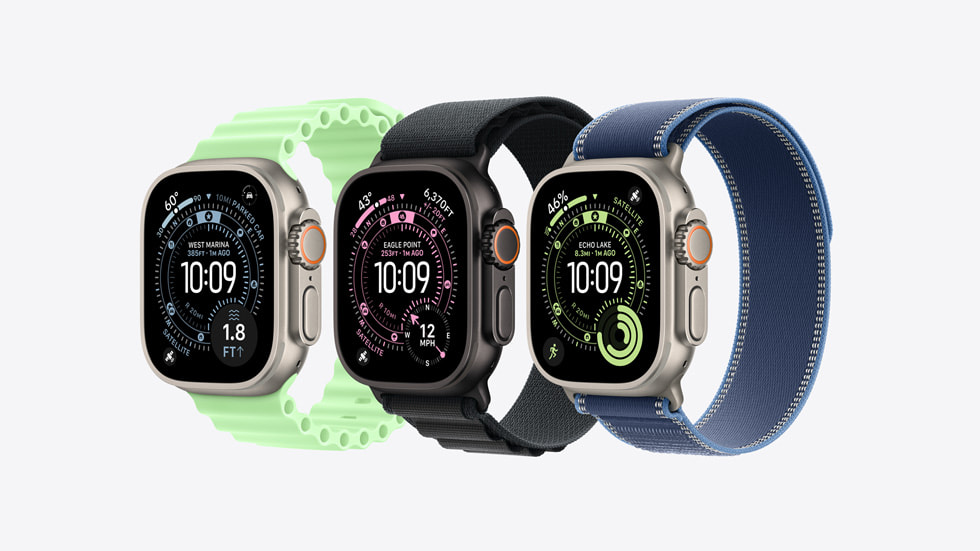
Newer models support 5G—but only if your carrier does too.
5G-Ready Apple Watches
- Apple Watch Series 11
- Apple Watch SE 3
- Apple Watch Ultra 3
Warning: US Mobile currently supports 4G LTE only on Apple Watch. 5G is “coming soon.”
Regional Model Limitations
Apple Watch cellular models are region-locked due to LTE band differences.
- Americas Model: North/South America
- China Model: China Telecom, China Unicom
- Europe/Asia Model: Most other countries
A watch bought in one region may not work fully in another.
Can You Use It Abroad? International Roaming
Yes—but with caveats.
Requirements for Roaming
- Apple Watch Series 5 or later
- watchOS 9.1 or higher
- Carrier must support VoLTE and international roaming
Critical Limitation
- Apple Watch For Your Kids watches cannot roam internationally
- To enable: Go to Settings > Cellular > Data Roaming
👉 If you travel frequently, consider a companion plan or check with your carrier.
Real-World Use Cases
Case 1: Minimalist Living (No Smartphone)
User: Reagan Rose, digital minimalist
Watch: Apple Watch Series 4 (cellular)
Carrier: US Mobile ($6.50/month)
Managing iPhone: Wife’s device
What Works:
– iMessage, calls, podcasts (via Outcast), GPS, calendar
– Travelled cross-country using only the watch
Challenges:
– Battery life weak on older hardware
– No audiobook app (uses podcast workarounds)
– Needs external battery pack
Result: Full phone replacement for over a year—improved focus and less distraction.
Case 2: Corporate iPhone, No Personal Plan
User: Reddit user (senthilrameshjv)
Situation: Employer-issued iPhone; can’t add personal watch plan
Solution:
– Used Truphone standalone plan
– Set up via family member’s iPhone using Apple Watch For Your Kids
Key Insight: Even if your iPhone is locked down, you can still run a standalone watch.
Case 3: Switching from Truphone to Verizon
User: PieAdmirable3271
Started With: Truphone ($10/month)
– Fast setup, low cost
– Poor support when transferring to new watch
Switched To: Verizon (~$16/month)
– Better customer service
– Seamless device transfer
– More reliable signal
Verdict: Slightly more expensive, but worth it for reliability.
Common Problems and Fixes
Can’t Activate Cellular?
Try these steps:
1. Turn on Airplane Mode for 15 seconds, then off (on both devices)
2. Close and reopen the Watch app on iPhone
3. Restart both iPhone and Apple Watch
4. Update carrier settings on the managing iPhone
5. Contact carrier support—many standalone plans require manual activation
Tip: Verizon and US Mobile reps can activate standalone lines over chat or phone.
Battery Life: Managing Power Drain
Using cellular drains battery 30–50% faster than GPS-only mode.
Tips to Extend Battery Life
- Toggle cellular off when near iPhone or on Wi-Fi
- Use Low Power Mode (watchOS 9+)
- Carry a portable battery pack (e.g., Nomad, Anker)
- Keep a charger in car or bag
- Avoid constant app refresh and notifications
Warning: Series 4–6 models may not last all day under heavy standalone use.
Apps That Work (and Don’t) Without iPhone
Fully Standalone Apps
- Phone, Messages, FaceTime Audio
- Apple Music, Apple Podcasts, Spotify
- Maps, Weather, Calendar
- Apple Fitness+, Workout tracking
- Emergency SOS, Fall Detection
- Satellite SOS (Ultra 3, Series 11, SE 3)
Apps That Need iPhone
- Banking apps with companion requirements
- Some health tracking apps
- Smart home setups (initial config)
- Audiobook apps (no native support)
Workaround: Use podcast apps like Outcast to play audiobooks.
Final Setup Checklist
✅ Choose a standalone-compatible carrier (e.g., US Mobile, Verizon)
✅ Get access to a managing iPhone (family member’s device)
✅ Buy a GPS + Cellular Apple Watch (Series 4 or newer)
✅ Use Apple Watch For Your Kids setup in Watch app
✅ Activate eSIM via carrier website or support
✅ Test calls, messages, and emergency features
✅ Optimize battery with Low Power Mode and Wi-Fi
Bottom Line: Yes, It Works
You can use an Apple Watch as your primary communication device without owning an iPhone. With a standalone cellular plan and Apple Watch For Your Kids, you gain:
- Full calling and messaging
- Music, navigation, fitness tracking
- Emergency safety features
- Digital minimalism benefits
Best Option by Use Case
| Need | Recommended Carrier |
|---|---|
| Lowest cost | US Mobile ($6.50/month) |
| Best reliability | Verizon (~$16/month) |
| Easiest setup | Truphone ($10/month) |
| Free plan | US Mobile (with Unlimited Premium) |
While battery life and app limits exist, the Apple Watch is the closest thing to a true “dumb phone” wearable—offering freedom, safety, and simplicity in one wrist-sized package.
With the right carrier and setup, your watch can replace your phone—no iPhone required.





