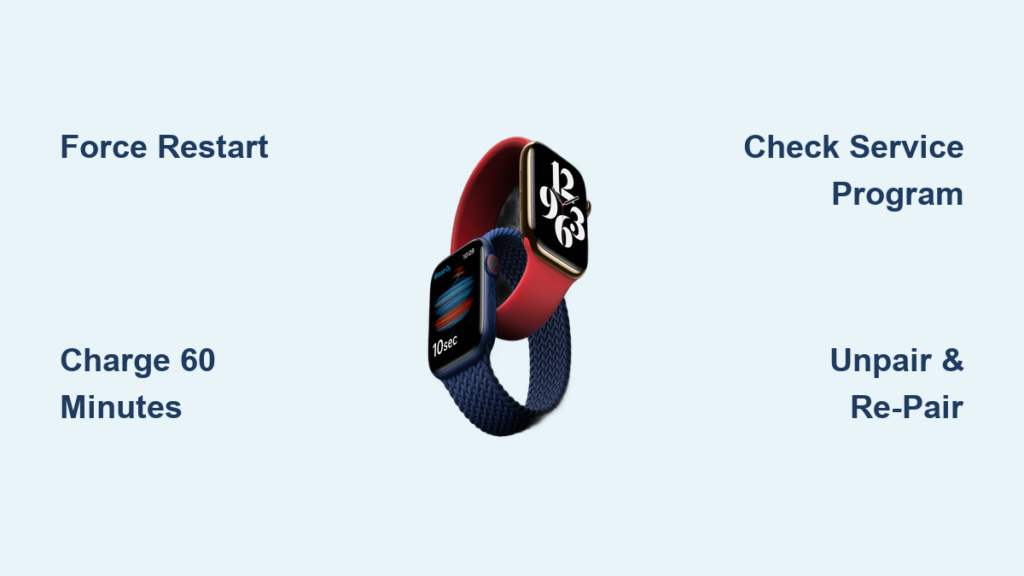
Your Apple Watch Series 3 is running low, the battery icon flashes red, and you realize—your magnetic charger is nowhere to be found. Panic starts to creep in. Can you charge your Apple Watch without the official charger? The short answer: yes, but with one non-negotiable rule—you must use a magnetic charging puck. There is no way around it.
The Apple Watch Series 3 doesn’t support standard Qi wireless charging, nor can it be powered via a physical port. However, you don’t need the original Apple wall adapter to get it charged. You just need the magnetic charging cable connected to a compatible power source—or a certified third-party magnetic charging solution.
This guide cuts through the myths and misinformation, offering 11 verified methods to charge your Apple Watch Series 3 when the official charger is missing. From emergency hacks using your iPhone to portable power banks and solar setups, you’ll learn exactly what works, what doesn’t, and how to avoid damaging your device in the process.
Magnetic Charging Is Non-Negotiable
Why Standard Wireless Pads Won’t Work
Despite rumors, the Apple Watch Series 3 does not support standard Qi wireless charging. Placing it on a typical phone charging pad—like those designed for iPhones or Android devices—will do nothing. Even Qi2-certified pads fail unless they specifically include Apple Watch-compatible magnetic alignment.
The back of the Series 3 has five precise charging contacts surrounded by magnets. These must align perfectly with a matching magnetic puck for power transfer. Generic charging pads lack the correct coil positioning and magnetic attachment, making them useless for Apple Watch charging.
🔌 Critical Fact: No charging occurs without magnetic alignment. If it doesn’t snap into place, it’s not working.
Use Any USB Power Source With the Magnetic Cable
Charge from Laptops, Power Banks, or Wall Adapters
If you still have the magnetic charging cable (the part that attaches to your watch), you can plug its USB end into any compatible USB power source—no Apple wall adapter required.
Compatible Devices:
- Laptops and desktops (via USB-A or USB-C)
- Power banks with USB output
- Universal wall chargers (e.g., 20W USB-C from iPhone)
- Car USB ports
- TVs or gaming consoles with powered USB ports
⚡ Pro Tip: A 20W USB-C wall charger (like Apple’s or Anker Nano) delivers optimal speed—charging the Series 3 from 0% to 100% in about 2.5 hours.
⚠️ Warning: Low-power USB ports (like those on older computers or TVs) may provide slow charging or fail to charge at all if output drops below 5V/1A.
Charge Your Watch Using an iPhone 15 or 16
You can’t place the Apple Watch directly on the back of your iPhone to charge—iPhones don’t support reverse wireless charging for the watch. But there’s a workaround.
Plug the USB-C end of the Apple Watch magnetic cable into your iPhone 15 or 16, then attach the magnetic puck to the watch. The watch will begin charging—powered entirely by your iPhone.
🔋 Battery Impact: This drains approximately 26% of your iPhone’s battery for a full Apple Watch charge.
✅ Best Use Case: Emergency top-up when you’re stuck without other power options.
⚠️ Not Ideal for Daily Use: Draining your phone just to charge your watch isn’t sustainable.
Portable Magnetic Power Banks

Keychain Chargers for Emergency Top-Ups
Compact magnetic power banks are lifesavers for travel. These palm-sized devices have a built-in magnetic charging disc—just snap your Apple Watch Series 3 onto it and go.
Top Picks:
- Anker MagGo Power Bank (10K) – MFi-certified, charges Series 3 in ~2.5 hours
- EcoFlow RAPID Magnetic Power Bank – Fast charging, USB-C rechargeable
⏱️ Performance: Slightly slower than wall charging (~2h 15m full charge), but perfect for trips or outdoor use.
✅ Why It Works: These mimic Apple’s proprietary magnetic design with exact coil alignment.
❌ Avoid Non-MFi Models: Many unbranded magnetic chargers stop working after watchOS updates due to revoked authentication.
3-in-1 Wireless Charging Stations
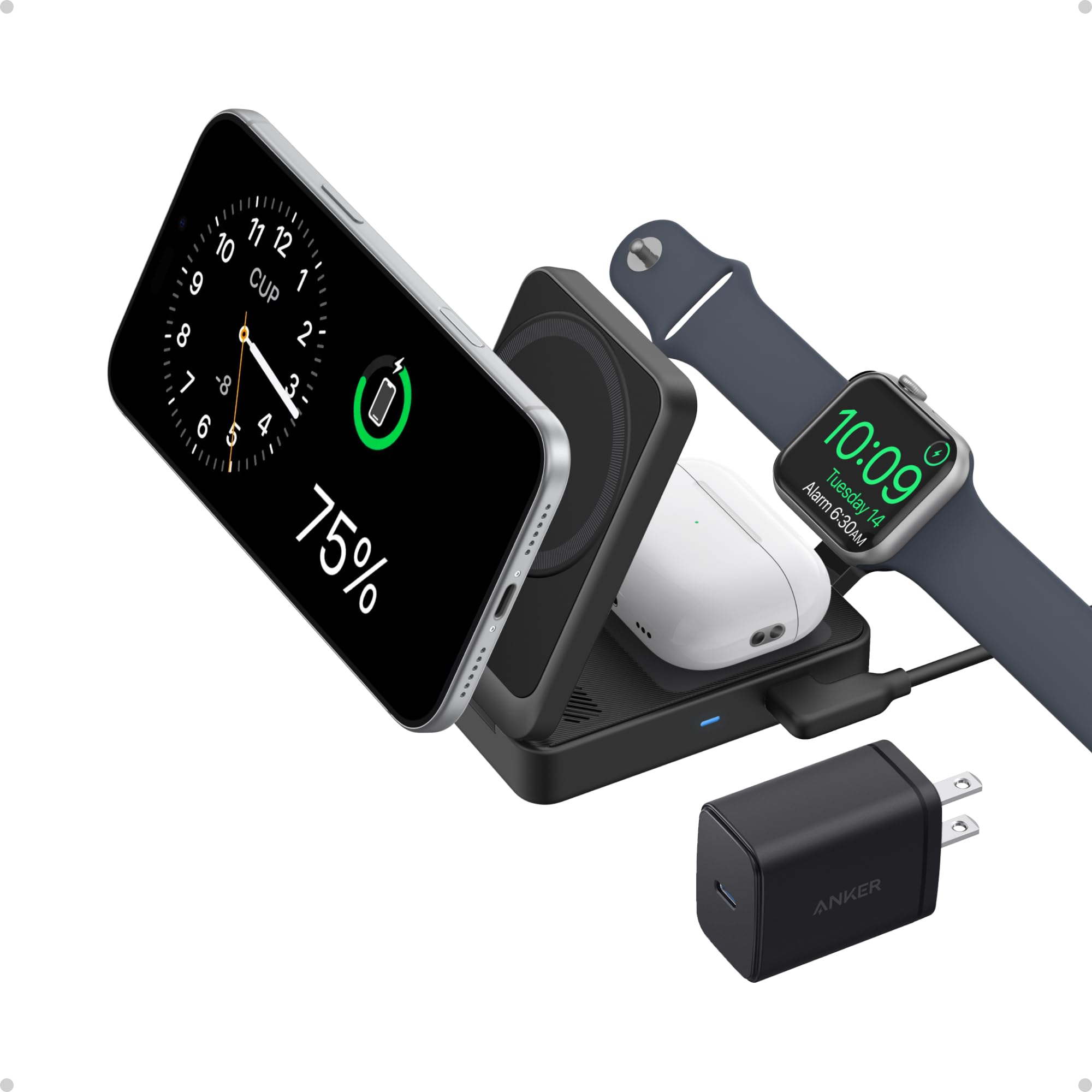
All-in-One Charging for Watch, Phone, and AirPods
Replace clutter with a sleek 3-in-1 charging station that powers your Apple Watch, iPhone, and AirPods simultaneously. These docks include a dedicated magnetic puck for the watch, eliminating the need for the original Apple charger.
Recommended Models:
- Anker MagGo 3-in-1 Foldable Station – MFi-certified, charges Series 3 reliably
- Belkin Boost Charge Pro 3-in-1 – Premium build, ideal for nightstands
✅ Bonus: Some models support fast charging, delivering up to 47% in 30 minutes—effective even on older Series 3.
Car Chargers With Apple Watch Support
Stay Powered While Driving
Many modern car chargers now include a built-in magnetic Apple Watch charging dock. These are ideal for long drives, especially if you rely on navigation or fitness tracking.
What to Look For:
- Visible magnetic ring or Apple Watch icon
- Cooling fan to prevent overheating
- Dual USB ports for other devices
🔍 Note: These are only useful while in the vehicle—don’t rely on them as a primary solution.
Public Charging Stations in Airports and Hotels
Use Apple Watch-Specific Pads in Lounges
Business lounges, hotels, and co-working spaces increasingly offer dedicated Apple Watch charging pads. Look for a watch-shaped indentation or Apple logo on the charging surface.
🔐 Security Warning: Avoid plugging into public USB-A or USB-C ports. These can enable juice jacking—a cyberattack where hackers steal data through compromised cables.
✅ Safe Practice: Stick to true wireless (inductive) charging pads only.
Solar Generators for Off-Grid Charging
Emergency Power for Camping and Hiking
Outdoor adventurers can charge their Apple Watch using a solar generator—but only by connecting the magnetic charging cable to the unit’s USB-C port.
Example Setup:
- Use EcoFlow RIVER 3 Plus (portable solar generator)
- Plug in Apple Watch magnetic cable
- Attach watch to magnetic puck
☀️ Limitation: Charging speed depends on sunlight. Overcast days = slower results.
✅ Ideal For: Emergency kits, camping trips, and remote travel.
Battery Cases With Built-In Power
Extend Usage, Not Replace Charging
Some third-party cases include an integrated battery that connects to the watch’s charging contacts, providing an extra 20–50% battery life.
⚖️ Trade-Offs: Adds bulk and weight. You still need to charge the case itself via USB-C.
❌ Not a Permanent Fix: These extend life but don’t eliminate the need for magnetic charging.
MFi-Certified Third-Party Chargers
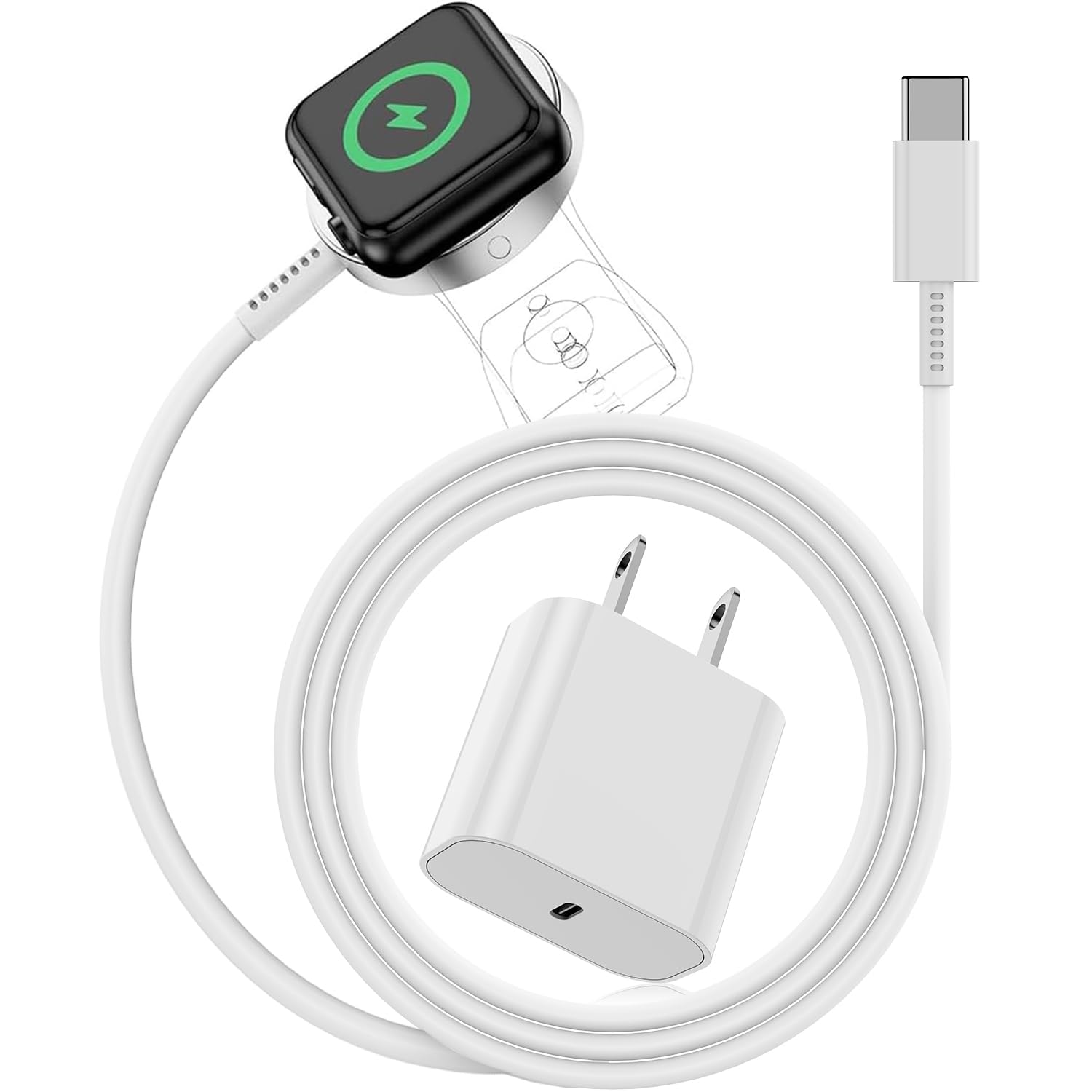
Safe, Reliable Alternatives to Apple’s Original
You can replace the official Apple charger—but only with MFi-certified (Made for iPhone/iPad/iWatch) accessories. After watchOS 8.3, Apple began revoking access for non-certified chargers.
💬 User Experience: “My $10 charger worked fine until the update. Now it says ‘Accessory Not Supported.’”
Trusted Brands:
- Anker
- Belkin
- Native Union
- EcoFlow
✅ Always Check: Look for “MFi Certified” on packaging or product listing.
The Hidden Port Myth: It’s Not for Charging
Diagnostic Port ≠ Charging Port
The Apple Watch Series 3 has a hidden diagnostic port under the lower band slot. This was used by Apple technicians during manufacturing and repair.
❌ Reality: No consumer accessory enables charging through this port. Apple does not support or recognize this method.
🛑 Do Not Attempt: Forcing power into this port could permanently damage your watch.
Apple-Compatible Qi2 and Optimized Wireless Pads
New Chargers That Actually Work
While standard Qi pads fail, some newer wireless chargers now support Apple Watch—if they meet strict criteria.
Requirements:
- Explicit Apple Watch compatibility in specs
- Magnetic alignment ring (matches Apple’s design)
- Qi2 certification or Apple-optimized firmware
✅ Test It: If your watch clicks into place and shows a charging animation, it’s working.
❌ Avoid: Flat Qi pads without magnetic alignment—they won’t charge your watch.
Troubleshoot Charging Failures
Fix Common Issues in Minutes
Even with the right gear, charging can fail. Here’s how to fix it fast.
Clean the Charging Contacts
Dirt, sweat, or lint blocks power transfer.
🧼 Steps:
1. Power off the watch
2. Wipe the back and charger with a lint-free cloth
3. Use 70% isopropyl alcohol on a cotton swab for stubborn grime
4. Dry completely before reattaching
Restart the Watch
Software glitches can interrupt charging.
🔁 Force Restart: Hold side button + Digital Crown for 10+ seconds until Apple logo appears.
Verify Power Source
Test the USB port with another device. Try a different outlet or power bank.
Update watchOS
Older software versions may misreport charger status.
📱 Update Path: iPhone > Watch app > General > Software Update
Check MFi Status
If using a third-party charger, confirm it’s MFi-certified.
Power Source Compatibility Table
| Source | Works? | Notes |
|---|---|---|
| Laptop USB-C | ✅ | Slower if low power |
| Desktop USB-A | ✅ | Same as laptop |
| iPhone 15/16 (USB-C) | ✅ | Drains 26% of iPhone battery |
| Android Phone (OTG) | ⚠️ | Depends on OTG support |
| Power Bank | ✅ | Best with USB-C and high capacity |
| 20W USB-C Wall Adapter | ✅ | Fastest alternative |
| Car USB Port | ✅ | Use with magnetic cable |
| Solar Generator | ✅ | Requires USB output |
💡 Best Universal Option: 20W USB-C wall charger + magnetic cable
Charging Time and Battery Life
What to Expect
- 0% to 80%: ~1.5 hours
- 0% to 100%: ~2.5 hours
- Portable adapters: Up to 2h 15m
Battery Life:
- Up to 18 hours with typical use
- Reduced by GPS, notifications, and screen brightness
🔋 Tip: Enable Power Reserve mode to extend life in emergencies.
Final Recommendations
- Always use a magnetic charging puck—no exceptions.
- Carry an MFi-certified portable power bank for emergencies.
- Use a 20W USB-C wall charger—fast, universal, and affordable.
- Try a 3-in-1 charging station for home or office.
- Never use non-MFi chargers—risk of failure after updates.
- Keep contacts clean—prevents most charging issues.
- Leverage existing devices—laptop, power bank, or iPhone USB-C port.
Summary: Can You Charge Apple Watch Series 3 Without the Charger?
| Question | Answer |
|---|---|
| Can you charge without magnetic puck? | ❌ No |
| Can you use a regular Qi pad? | ❌ No |
| Can you charge via USB-C port? | ✅ Yes — with magnetic cable |
| Can you charge from iPhone? | ✅ Yes — via cable (drains iPhone) |
| Can you use a power bank? | ✅ Yes — with magnetic cable or built-in puck |
| Are third-party chargers safe? | ✅ Only if MFi-certified |
| Is the hidden port usable? | ❌ No |
| Do public stations work? | ✅ Yes — if Apple Watch-specific |
✅ Final Verdict:
You cannot eliminate the magnetic charger, but you can charge Apple Watch Series 3 without the original wall adapter. Use MFi-certified accessories, portable magnetic power banks, or universal USB-C sources to stay powered—anytime, anywhere.