
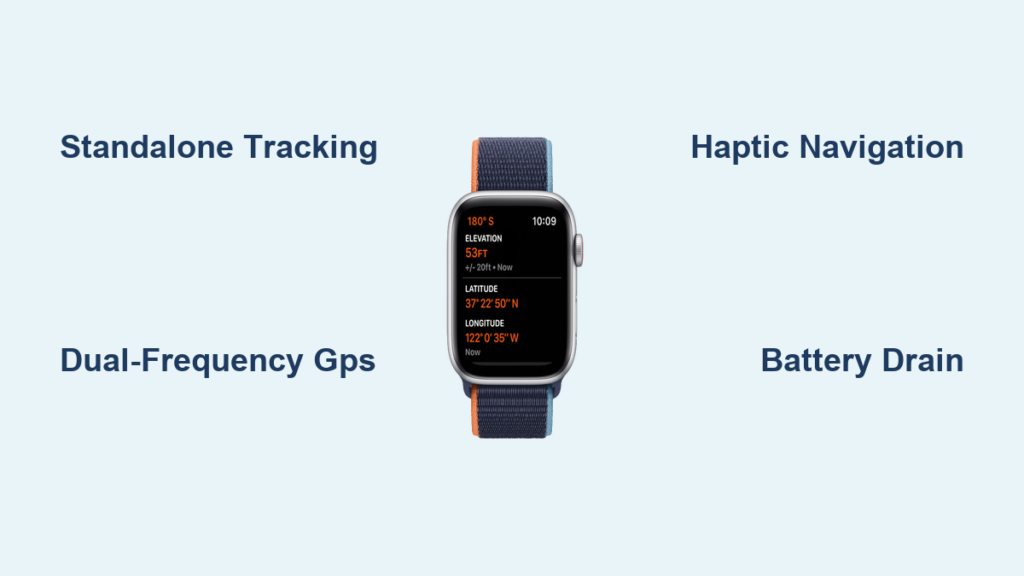
You’re halfway through a trail run, phone safely at home, yet your Apple Watch is flawlessly tracking each mile, pace, and elevation change. How? The secret lies in its built-in GPS—a compact but powerful system that turns your wrist into a standalone fitness tracker. Whether you’re cycling through city streets or hiking remote mountain paths, Apple Watch GPS captures your route without needing your iPhone nearby.
Since the Apple Watch Series 2, Apple has included a dedicated GPS receiver in every model, allowing it to connect directly to global satellite networks and record your location independently. Over time, this technology has evolved with dual-frequency bands, sensor fusion, and smarter algorithms to deliver faster, more accurate tracking in diverse environments. Today’s models—especially the Series 5 and newer—offer reliable performance for runners, hikers, cyclists, and fitness enthusiasts who want precise data without carrying extra gear.
In this guide, you’ll discover exactly how Apple Watch GPS works, how accurate it really is, and what to expect across different models and conditions. We’ll break down the hardware, explain how navigation functions, and clarify the differences between GPS-only and cellular models. You’ll also learn how battery life is affected and how to get the most from your watch’s location tracking—no phone required.
How Apple Watch GPS Captures Your Location
The Apple Watch uses an internal Global Positioning System (GPS) chip to determine your exact location by receiving signals from orbiting satellites in the Global Navigation Satellite System (GNSS). This includes not only the U.S.-based GPS network but also international systems like GLONASS (Russia), Galileo (Europe), and BeiDou (China), depending on your region and model. By accessing multiple constellations, the watch achieves faster satellite lock and improved accuracy, especially in challenging environments.
Standalone Workout Tracking Without iPhone
When you start a run or hike on your Apple Watch, it activates the GPS receiver to begin recording your route in real time. As you move, the watch logs:
– Distance covered
– Real-time pace (e.g., 9:15 min/mile)
– Elevation gain (using barometric altimeter + GPS)
– Route path on a map
All of this data is stored locally on the watch. Once you’re back in Bluetooth or Wi-Fi range of your iPhone, it automatically syncs to the Fitness and Health apps via iCloud. This means you can leave your phone at home, at the gym, or in your car and still get a complete, accurate workout summary.
Seamless Integration With Apple’s Workout App
The native Workout app is designed to make full use of GPS data. During outdoor activities like running, walking, or cycling, it displays live metrics such as:
– Elapsed time
– Current and average pace
– Total distance
– Heart rate (combined with optical sensor)
– Estimated calories burned
You can customize the watch face to show these stats during your workout, so a quick glance gives you everything you need. Third-party apps like Strava, Nike Run Club, and Komoot also access the same GPS data, offering advanced analytics, route planning, and community features.
GPS Hardware Evolution: From Series 2 to Ultra

Apple has steadily improved GPS performance with each new generation, enhancing both hardware and software.
Early Models: Series 2 to Series 4
The Apple Watch Series 2 was the first to include built-in GPS, a game-changer for fitness tracking. However, early models used only the L1 frequency band, which made them more prone to signal drift in urban canyons or under dense tree cover. Acquiring a satellite lock could take up to a minute in cold starts, and accuracy was typically within 5–10 meters.
While functional in open areas, these models sometimes struggled with sharp turns or tight city routes due to occasional signal bounce.
Series 5 and Newer: Dual-Frequency GPS (L1 + L5)
Starting with the Series 5, Apple introduced dual-frequency GPS, supporting both L1 and the higher-precision L5 band. The L5 signal reduces multipath error—where signals bounce off buildings—and improves accuracy to 3–5 meters in open conditions. It also speeds up time-to-first-fix (TTFF), often locking onto satellites in under 30 seconds.
Later models (Series 6, SE, 7, 8, 9, and Ultra) use sensor fusion, combining GPS with data from:
– Accelerometer (step detection)
– Gyroscope (movement direction)
– Barometric altimeter (elevation changes)
This integration helps maintain tracking continuity when GPS signals drop—like under tunnels or forest canopies—by estimating position based on motion patterns.
Apple Watch Ultra: Built for Adventure
The Apple Watch Ultra enhances outdoor navigation with:
– Built-in compass and waypoint marking
– Dual-frequency GPS with improved antenna design
– Up to 36 hours of battery life in GPS mode
– Larger, brighter display for map visibility
While the core GPS hardware is similar to Series 8/9, the Ultra’s rugged construction and extended battery make it ideal for ultramarathons, long hikes, and backcountry exploration.
Real-World Accuracy: What to Expect

Apple Watch GPS performs well in most conditions, but accuracy varies by environment.
Open-Sky Conditions: Highly Accurate
In parks, open roads, or coastal paths, the watch typically delivers 3–5 meter accuracy, with less than 2% deviation over a 10 km run compared to professional devices. This makes it excellent for training logs, race pacing, and fitness tracking.
Urban Canyons: Minor Drift Possible
Tall buildings reflect GPS signals, causing brief inaccuracies. Newer models with L5 support minimize this, but some overestimation of distance (~5–7%) may still occur in dense downtown areas.
Heavily Wooded Trails: Gaps Filled by Sensors
Tree cover can block satellite signals, leading to short tracking gaps. The watch uses motion sensors and machine learning to interpolate your path, maintaining route continuity even during temporary signal loss.
GPS-Only vs Cellular Models: No Difference in GPS Performance
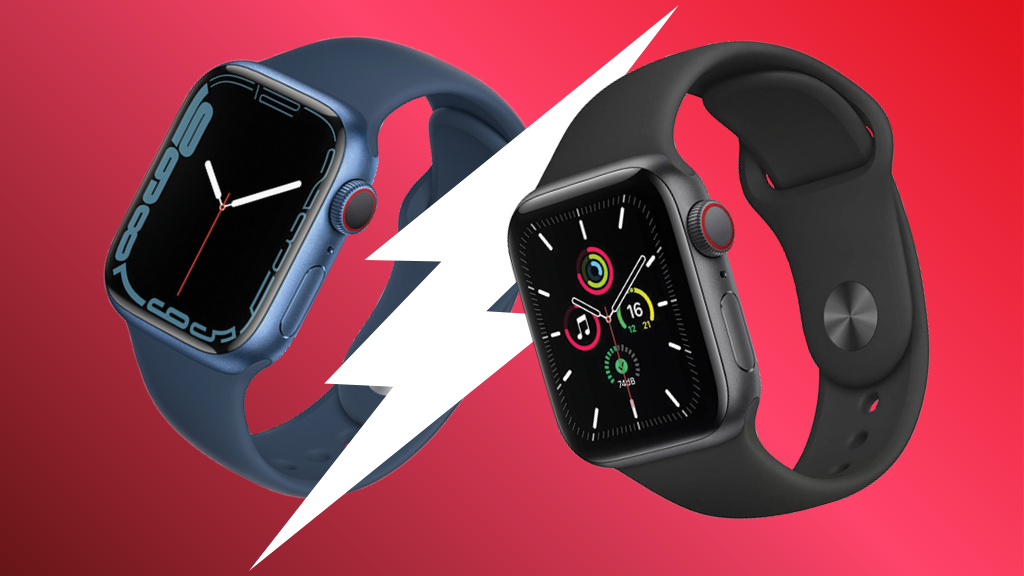
A common misconception is that cellular models have better GPS. They don’t.
Identical GPS Hardware
Both GPS-only and GPS + Cellular models use the same GPS receiver and antenna. There is no difference in accuracy, signal speed, or tracking reliability.
The “GPS” in “GPS + Cellular” simply means the model includes GPS—not that it’s upgraded.
Key Differences Are Connectivity-Based
| Feature | GPS-Only | GPS + Cellular |
|---|---|---|
| GPS Accuracy | ✅ Same | ✅ Same |
| Calls/Messages Without iPhone | ❌ | ✅ |
| Internet Access | ❌ (Wi-Fi only) | ✅ (LTE) |
| Family Setup | ❌ | ✅ |
| Price | Lower | ~$50–$100 more |
Choose cellular only if you want standalone calling, messaging, or LTE streaming—not for better GPS.
Navigation: Turn-by-Turn Guidance on Your Wrist
The Apple Watch supports basic navigation with haptic feedback.
Haptic Walking Directions
Start navigation on your iPhone, then continue on your watch. Or launch walking directions directly from the Maps app on the watch. The Taptic Engine delivers cues:
– One tap on left side = turn left
– One tap on right side = turn right
– Double tap = U-turn
This allows hands-free guidance while exploring cities or trails.
Route Display and Progress
During navigation, you see:
– Your location on a simplified map
– Next turn and distance
– Estimated arrival time
– Full route preview
Third-party apps like Komoot add offline maps and advanced routing.
Limitations to Keep in Mind
- ❌ No real-time traffic updates
- ❌ No automatic rerouting if you miss a turn
- ❌ Limited address input (best done on iPhone)
- ❌ Simplified maps due to small screen
For drivers, the iPhone remains the better navigation tool.
Battery Life: GPS Is a Major Drain
GPS is one of the most power-hungry features.
| Activity | Battery Use Per Hour |
|---|---|
| GPS-only workout | 10–15% |
| GPS + music | 15–25% |
| GPS + cellular streaming | 20–30% |
The Apple Watch Ultra lasts up to 36 hours in GPS mode—ideal for long endurance events.
Power-Saving Tips
- Disable Always-On Display
- Close background apps
- Turn off heart rate monitoring if not needed
- Use Power Saving Mode (Series 9 and Ultra)
Charge fully before long workouts and avoid extreme temperatures.
Data Syncing and Storage
All GPS data is saved locally on the watch and syncs automatically when near your iPhone. This includes:
– Full route map
– Split times and pace charts
– Elevation profile
– Heart rate correlation
– Calorie estimates
It appears in the Fitness and Health apps, and can be shared or exported via third-party platforms like TrainingPeaks or MyFitnessPal.
Software Updates Improve GPS Over Time
watchOS updates regularly enhance GPS performance:
– Faster satellite acquisition
– Better signal retention
– Reduced power use
– Improved elevation calibration
Users often report noticeable improvements after updating to watchOS 8 or later, especially in urban areas.
Best Use Cases and Who Should Buy
Ideal For:
- Runners: Track pace and distance phone-free
- Cyclists: Log rides and analyze performance
- Hikers: Use Ultra’s compass and long battery
- Fitness Enthusiasts: Sync data to Fitness+ or Strava
- Travelers: Navigate new cities with haptic cues
Less Suitable For:
- Drivers: No full car navigation
- Waze Users: No real-time hazard alerts
- Backcountry Explorers: Limited offline maps vs. dedicated GPS
Final Thoughts: A Reliable Fitness Companion
The Apple Watch GPS is a powerful, well-integrated tool for accurate location tracking. It works independently, delivers solid precision, and syncs seamlessly with Apple’s ecosystem. While it has limits in extreme environments or for full navigation, it’s more than enough for most active users. Whether you’re training for a 5K or exploring a new city, your Apple Watch keeps you on track—literally.




